
Turn your drive into a video.
Open a GPX file and your route becomes a smooth map animation. Export logs from Strava, bike computers or dash cams as an MP4 that's ready for social media.
Free to use (videos carry a small watermark). Remove it with a one-time purchase of ¥1,000. No subscription.
1Open a GPX
Use GPX exported from Strava, Garmin, bike computers, RaceChrono or OBD NINJA, straight from the Files app or the share sheet.
2Refine the route
GPS jumps and tunnel gaps are smoothed automatically. Just pick a map style, camera follow and playback speed.
3Export as MP4
A 1080p MP4 goes to your photo library. Post it as is, or overlay it on your drive footage in a video editor.
What you get
A 52 km drive in Minami-Izu, in 30 seconds
Works with the logs you already have
- Strava
- Garmin Connect
- Bike computers
- RaceChrono
- OBD NINJA
- GoPro GPX
- Any other GPX 1.1 file
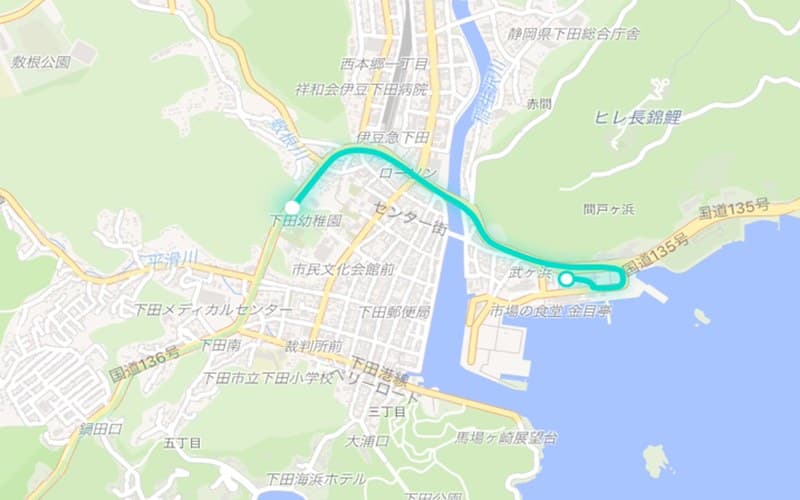
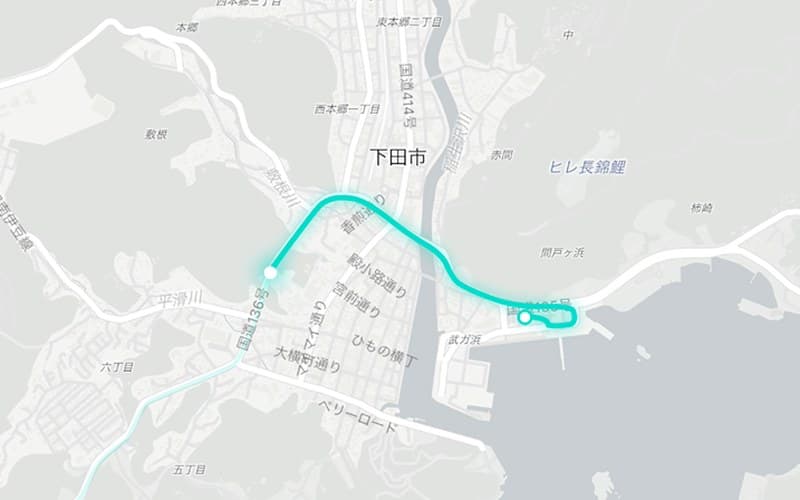
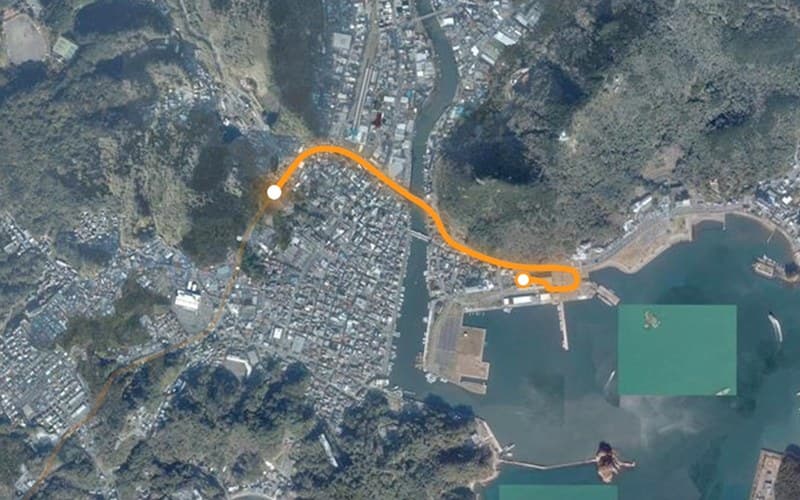
Three map styles
Start free, buy once if you like it
Every feature is free. Free exports carry a small "rendering by Routovie" watermark in the corner. Pay ¥1,000 only when you want it gone — once, forever, no renewals.

Sister app: OBD NINJA
Exports drive logs from your car's OBD2 port as GPX. Live gauges and a dash cam, too.